
Install the app
Download PhotoReport from Google Play. Read more →
PhotoReport for Android is a complete app: create projects, import plans, place viewpoints, photograph the job site and generate your reports, offline if needed.
The account and the data are the same as on iPhone, iPad and in the browser. A photo taken on Android shows up on your colleagues’ screens a few seconds later.
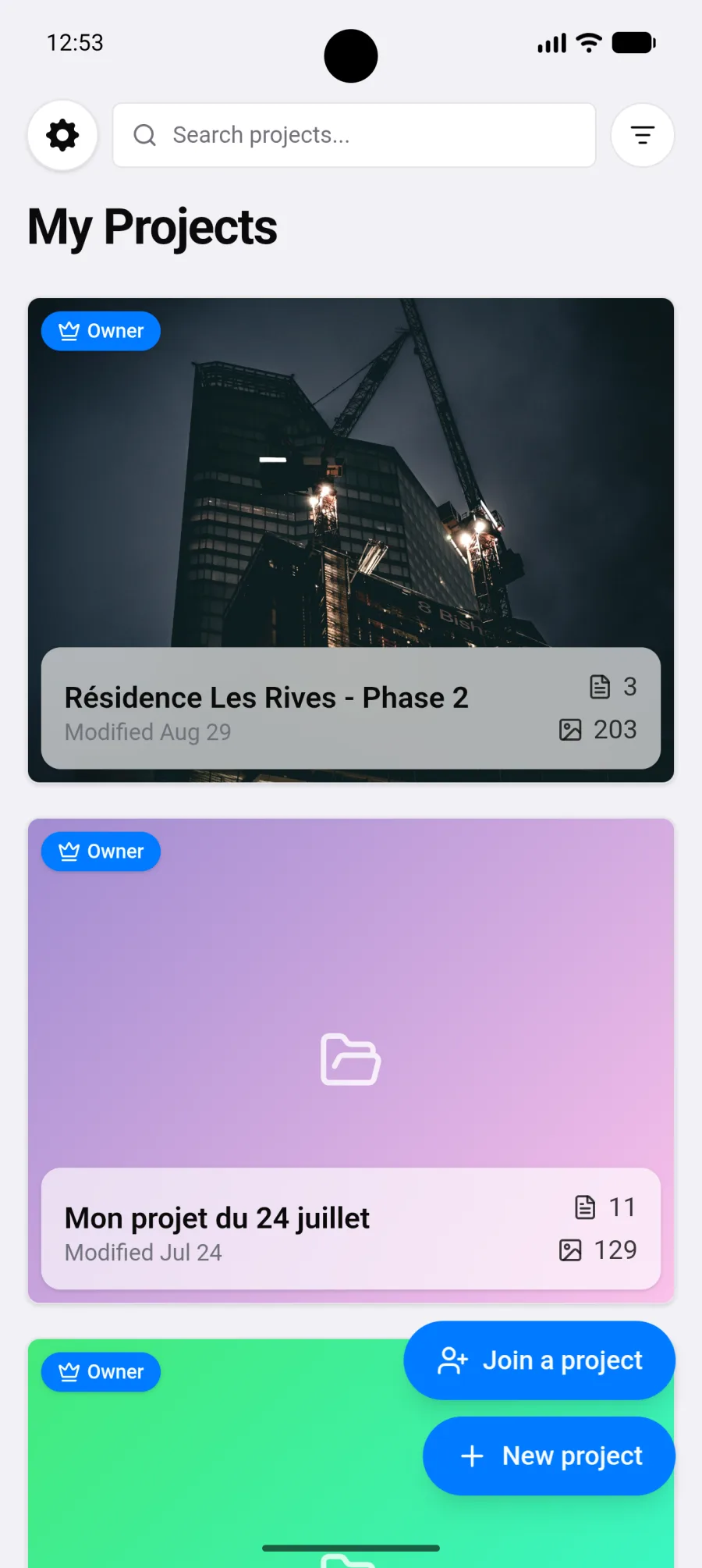
The Android app shares its interface with the web dashboard, adapted to a phone screen. If you know one, you know the other.
What Android adds on top of the browser:
New to PhotoReport? Follow these three pages in order:
Install the app
Download PhotoReport from Google Play. Read more →
Home screen
First launch, sample project, project list. Read more →
Account and sign-in
Google, email, or using the app without an account. Read more →
Offline mode
Work without a network and sync back up. Read more →
Projects
Create, organise and share your projects. Read more →
Import a plan
Add a PDF or a photo of a paper plan. Read more →
Plan viewer
Navigate, zoom, filter, pick your working mode. Read more →
Annotations
Place viewpoints and document them. Read more →
Photos and videos
Shoot on site, import, rotate. Read more →
Draw on a photo
Circle and point with your finger. Read more →
Audio comments
Record a spoken observation instead of typing it. Read more →
Observations
Every viewpoint and general observation in one list, checked before you export. Read more →
Create a report
Generate a PDF or a shareable link from your phone. Read more →
Company profile
Your logo and contact details on your reports. Read more →
App settings
Account, notifications, appearance, privacy. Read more →
Subscription
Move to Pro or Teams through Google Play. Read more →