
Access the web dashboard
The web dashboard is PhotoReport in your browser, on a computer or a tablet. You create projects, import plans, place viewpoints, write your comments and generate your reports.
There is nothing to install, and it is included in every plan, the free plan included.
Signing in
Section titled “Signing in”-
From your browser (Safari, Chrome, Firefox or Edge), open dashboard.photoreport.app.
-
Choose your sign-in method, the same one you use on your other devices: Apple, Google or Email.
-
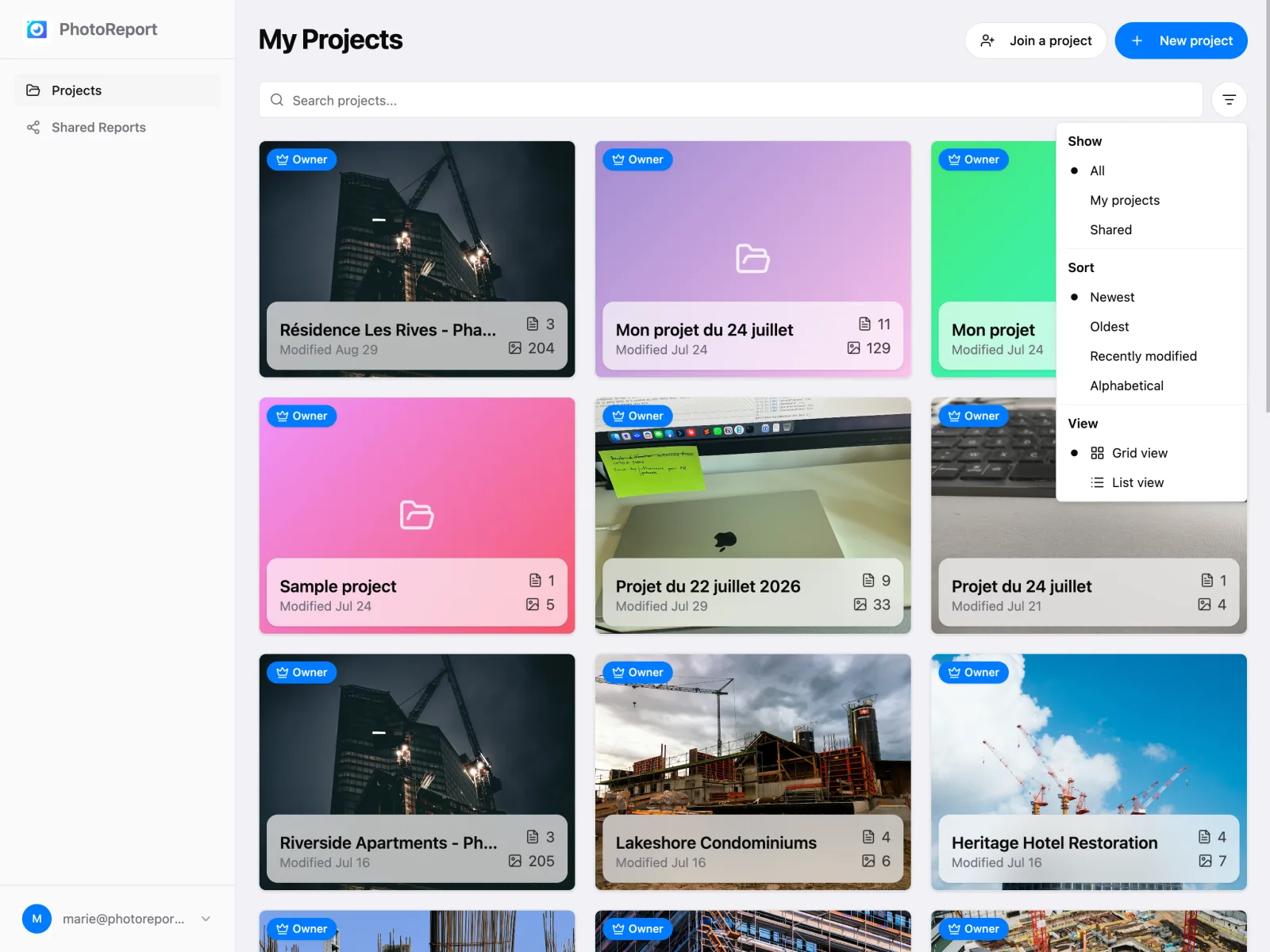
You land on your project list.
What you will find
Section titled “What you will find”Projects
Section titled “Projects”All your projects, the ones you created and the ones shared with you. Open one to reach its plans, viewpoints and photos, and to work on them.
Shared reports
Section titled “Shared reports”The state of your reports: active or expired, number of downloads, expiry date. You can open a report, change its password or delete the share.
Settings
Section titled “Settings”Your profile, your subscription, notifications, language, theme, your company profile and the privacy options.
What the browser does not do
Section titled “What the browser does not do”Just one thing, and it comes down to hardware: it does not take photos. You add images from the files on your computer, and shooting happens on your phone or tablet.
What next?
Section titled “What next?”- Explore the web dashboard in detail.
- Learn how to share a report with your clients.
- On the Teams plan, learn how to invite collaborators.