
Install the Android app
PhotoReport for Android is downloaded free from Google Play.
Install
Section titled “Install”- Open Google Play on your device.
- Search for PhotoReport.
- Tap Install, then Open.
Requirements
Section titled “Requirements”| Criterion | Detail |
|---|---|
| System | Android 7.0 or later |
| Devices | Phones and tablets |
| Price | Free. The Pro and Teams plans are optional |
First launch
Section titled “First launch”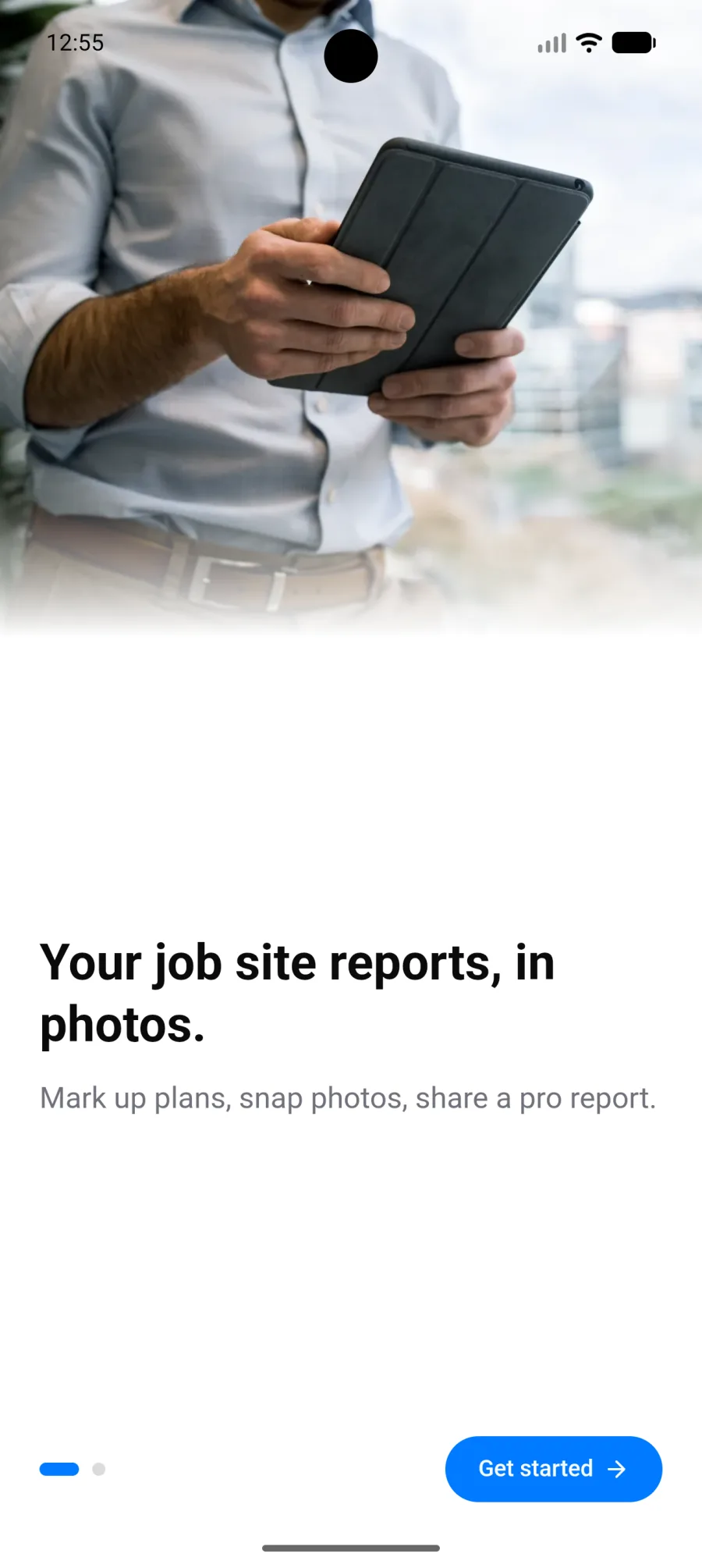
The app introduces PhotoReport, then offers three paths:
- Continue with Google, through the device’s account picker.
- Use email, with a password.
- Continue without an account, to try it immediately.
If you start without an account, nothing is lost when you create one later: everything you have already done is carried into the new account. See Account and sign-in.
The permissions asked for
Section titled “The permissions asked for”Android asks for your agreement the first time each feature is used:
| Permission | What it is for | If you decline |
|---|---|---|
| Camera | Taking photos and videos in the app | You can still import from the gallery |
| Microphone | Recording an audio comment | You can add an existing audio file |
| Location | Recording the coordinates of a shot | Photos are saved without a location |
| Notifications | Being told about activity on your projects | You check activity inside the app |
Each can be re-enabled later in PhotoReport’s Android settings.
What next
Section titled “What next”- Explore the Android app in detail.
- Create your first project.
- Prepare your projects for offline mode before heading to a site with no coverage.