
App settings
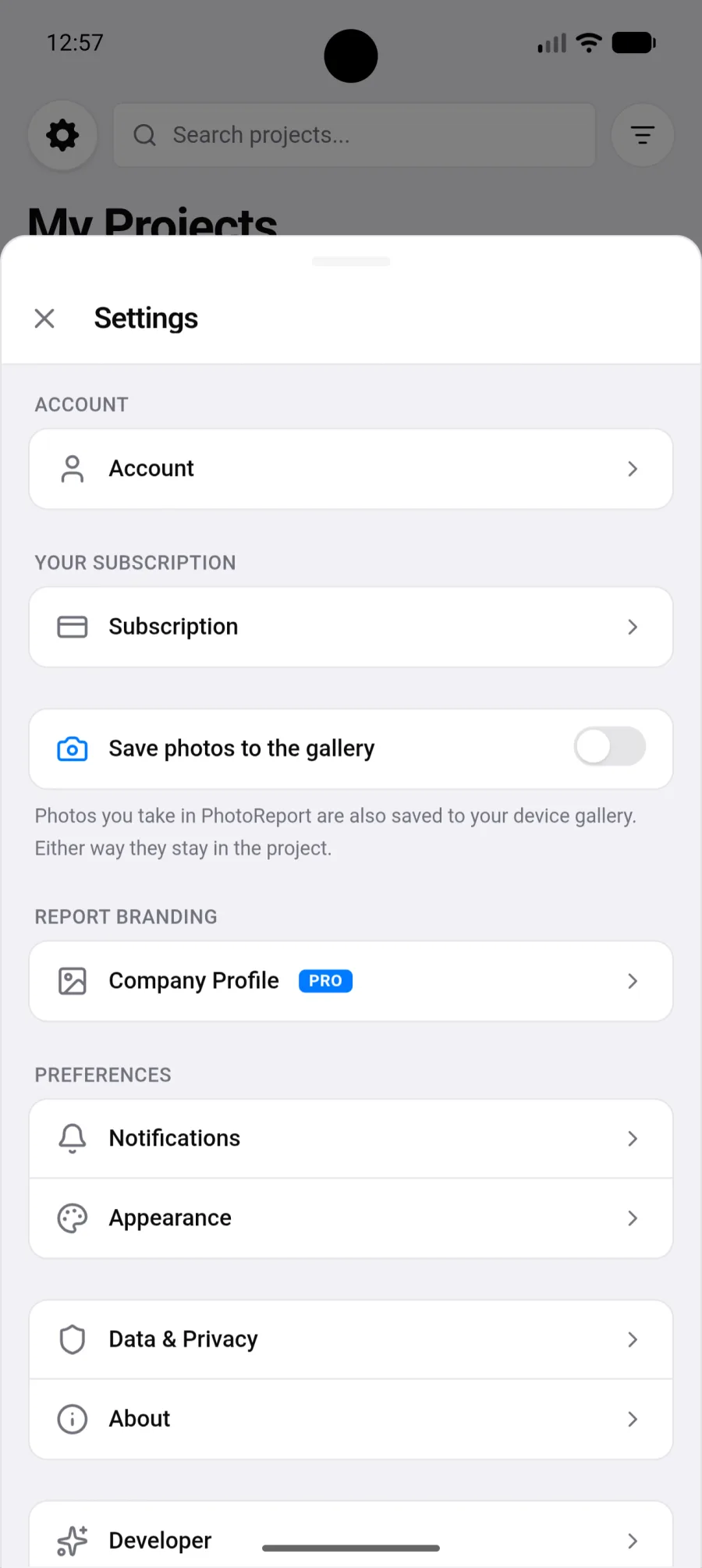
Settings open from the app menu and come in nine sections.
Account
Section titled “Account”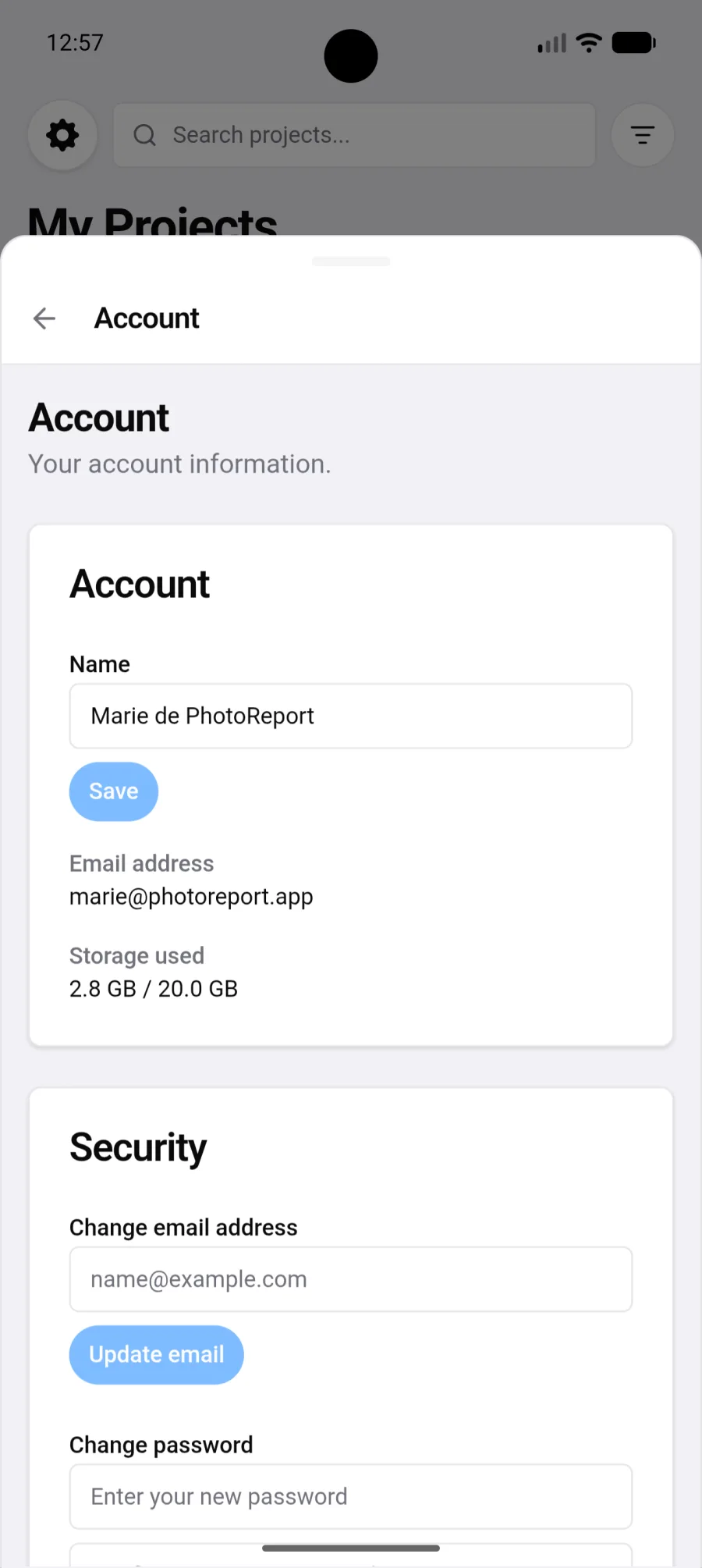
- Your name, the one shown next to the viewpoints you create.
- Your email address.
- Your storage used, against your plan’s quota.
PhotoReport warns you when you approach the limit, then when it is reached. You can keep uploading beyond it, but it is time to make room. See Storage.
A Security block lets you change your email address and your password. Since you most often sign in with Google, changing the address updates your email but you keep signing in with Google.
This is also where Sign out lives.
If you use the app without an account, this section offers to create one, keeping everything you have already done. See Account and sign-in.
Subscription
Section titled “Subscription”Your plan, its renewal date, and the means to subscribe or manage the subscription through Google Play. See Subscription.
Save photos to the gallery
Section titled “Save photos to the gallery”A switch specific to Android. Turned on, photos taken in PhotoReport are also saved to your device gallery. Either way they stay in the project: the switch only changes whether a copy sits on the phone.
Useful if you are used to collecting your photos from the gallery, or if you want a copy independent of the app.
Company profile
Section titled “Company profile”Your logo and contact details on reports. See Company profile.
Notifications
Section titled “Notifications”One switch per project. Mute all and Unmute all apply in one go.
The setting covers all your platforms: it governs phone notifications as well as emails.
See Notifications.
Appearance
Section titled “Appearance”- Language: French, English, German, Spanish, Italian, Portuguese or Dutch.
- Theme: Light, Dark or System, which follows the phone’s setting.
Recently deleted
Section titled “Recently deleted”Deleting something is no longer final. Right after a delete, a bar appears for 8 seconds (“Project deleted”, “Photo deleted”, and so on) with an Undo button. Only the last delete can be undone this way. After that, the item waits in Recently deleted for 7 days, then is removed for good.
There are two Recently deleted lists:
- Settings > Recently deleted lists the deleted projects you own. A deleted project no longer has project settings, so this is where it comes back from.
- Project settings > Recently deleted lists everything deleted inside that project: plans, viewpoints, observations, photos, videos and audio notes. The row shows how many items are waiting. See Project settings.
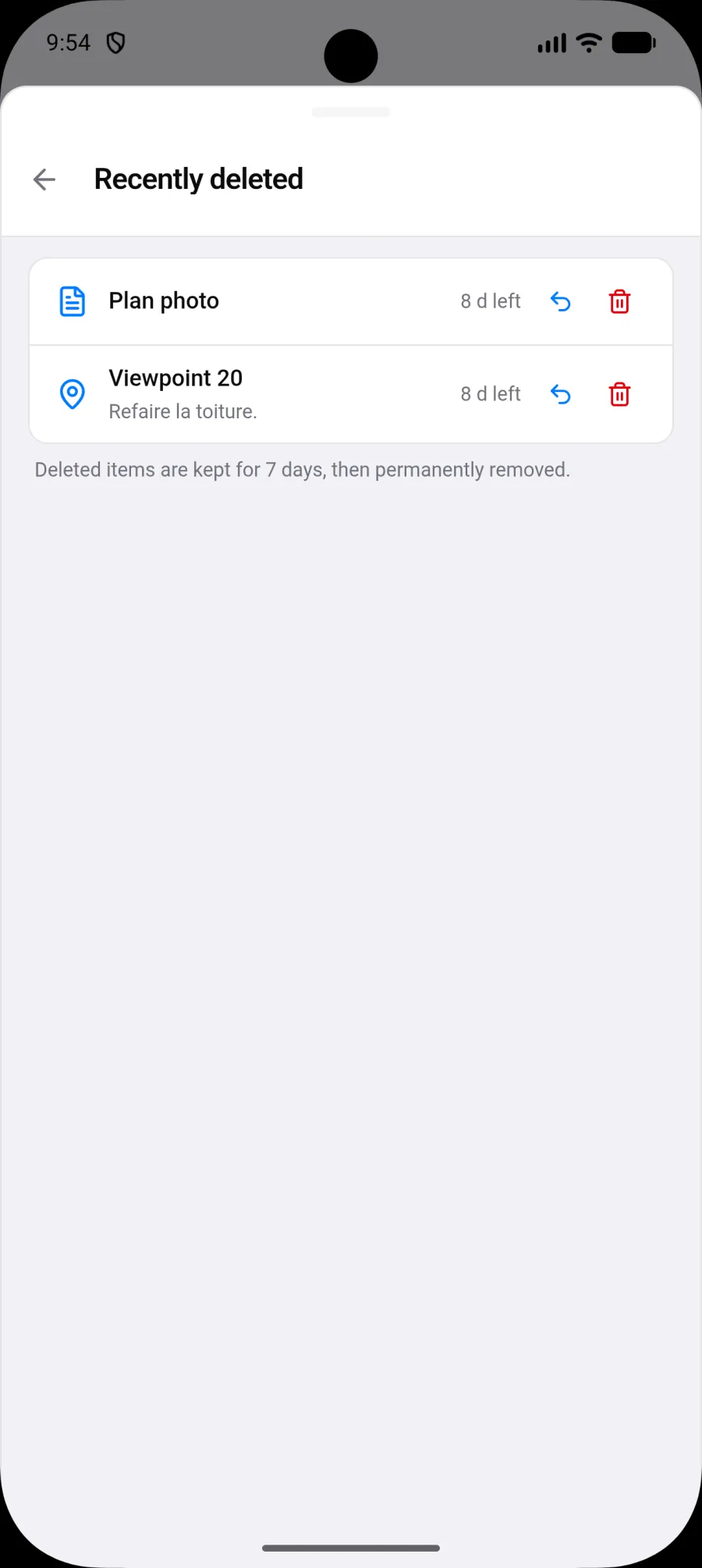
Each row shows the time left before it goes (for example “5 d left”) and two actions:
- Restore puts the item back where it was, with its original number. Nothing gets renumbered.
- Delete permanently asks for confirmation, then removes the item and its files for good, for everyone on the project. This cannot be undone.
If the item’s parent is deleted too, for example a viewpoint whose plan is also in the list, the row says “Restore [plan name] first.” Restore the plan, then the viewpoint.
Who can act:
- A deleted project can only be restored or permanently deleted by its owner. Collaborators do not delete a shared project, they leave it.
- Inside a project, every member sees the list, and any member can restore or permanently delete an item, whoever deleted it.
Deleting your account does not go through Recently deleted: see Danger zone.
Data and privacy
Section titled “Data and privacy”Links to the privacy policy and the terms of use, the cookie preferences, and the export of your data.
- Tap Export my data.
- Wait while the archive is prepared.
- Tap Download file.
The file is JSON and gathers your profile, projects, reports and preferences. See Export my data.
- What’s new shows the new features of the version you are running. It also appears once on its own after an update.
- Under Feedback, Send feedback opens a Write to us form. Type your message and tap Send: it reaches our team directly, no mail app needed. You can tick Attach this device’s technical log (tap View to see what it contains) to help us understand a problem. If the message cannot be sent, your text is kept and a Send by email instead link appears.
- Rate PhotoReport opens the Google Play listing.
- Shortcuts to the help centre, the PhotoReport site and the Google Play listing, and the installed version.
Check the version here if you suspect the app is out of date.
Danger zone
Section titled “Danger zone”- Tap Delete my account.
- Enter your email address to confirm.
- Tap Delete permanently.
Deleting the account does not cancel a Google Play subscription, which is cancelled in Play. See Delete my account.