
Subscription
On Android, the subscription is taken out and managed in Google Play, with the payment method already on your account.
The plans
Section titled “The plans”| Free | Pro | Teams | |
|---|---|---|---|
| Projects | 1 | Unlimited | Unlimited |
| Plans and photos | Unlimited | Unlimited | Unlimited |
| Reports | 3 in total | Unlimited | Unlimited |
| Password-protected online sharing | No | Yes | Yes |
| Company profile on reports | No | Yes | Yes |
| Cloud storage | 1 GB | 5 GB | 20 GB per user |
| Real-time collaboration | No | No | Yes |
| Monthly price | 19 € incl. VAT | 39 € incl. VAT per user | |
| Yearly price | 190 € incl. VAT | 390 € incl. VAT per user |
Committing yearly works out around 17 % cheaper than monthly.
Subscribing
Section titled “Subscribing”- Open Settings, then Subscription.
- Choose the period: Monthly or Yearly.
- Tap the plan you want, Pro or Teams.
- Confirm the purchase in the Google Play sheet.
The subscription is active immediately after confirmation. Your quotas and features update without restarting the app.
Restoring a purchase
Section titled “Restoring a purchase”If you change phone, or if the subscription does not appear after a reinstall, use Restore purchases. PhotoReport queries Google Play and reapplies the subscription attached to your account.
Managing or cancelling
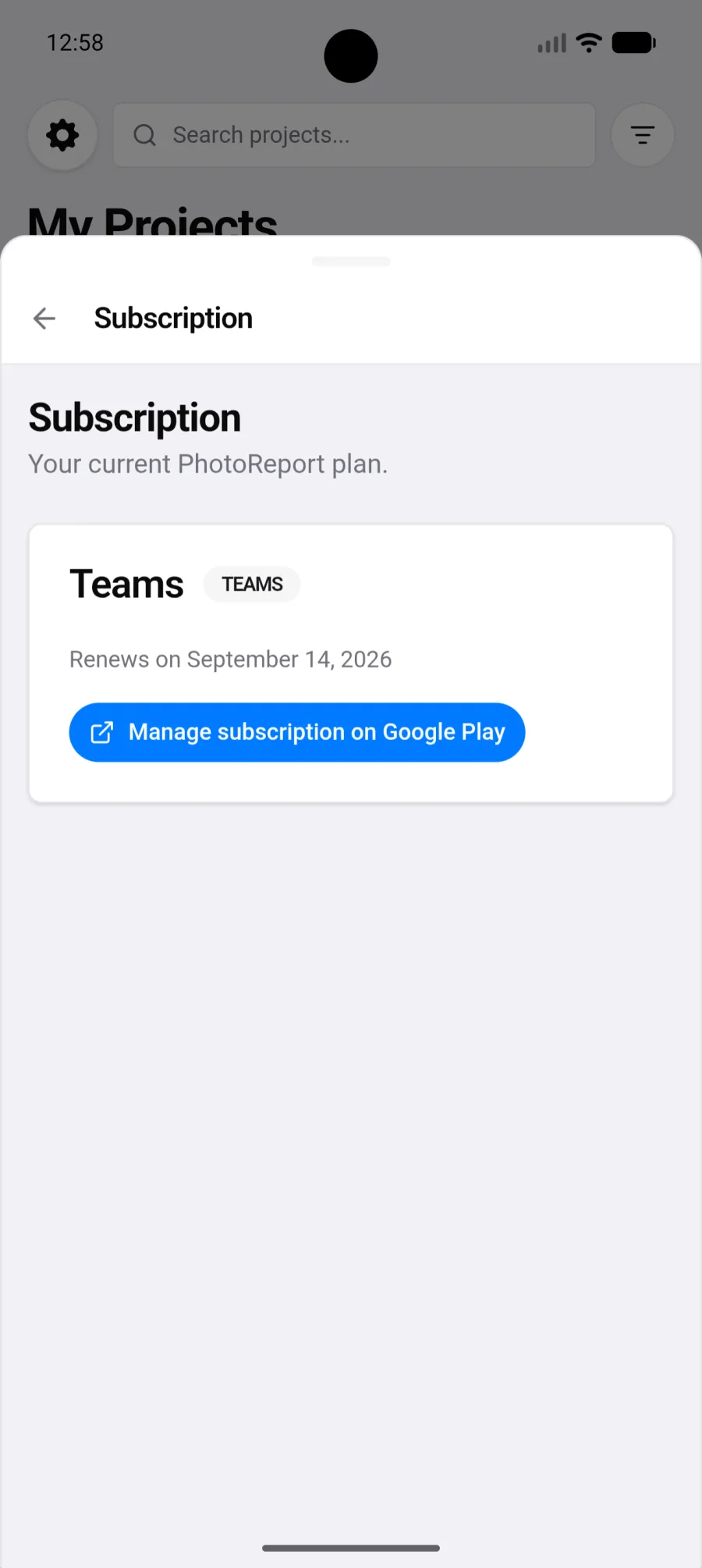
Section titled “Managing or cancelling”Manage subscription on Google Play opens the subscription in Play. That is where you change plan, update the payment method or cancel.
Cancelling takes effect at the end of the period already paid for. You keep your features until then.
One subscription, every platform
Section titled “One subscription, every platform”The subscription is attached to your PhotoReport account, not to the device. Subscribe on Android and you are Pro on iPhone and in the browser too.
Billing, however, stays with the store that took the payment: a Play subscription is managed in Play, an App Store subscription in the App Store.
Subscribing without going through a store
Section titled “Subscribing without going through a store”Direct payment from the browser is not open yet. If you would rather have an invoice, for a company for instance, use Contact us to subscribe from the web dashboard: we activate the account and send the invoice within 24 hours.