
Account and sign-in
A PhotoReport account follows you from one device to the next: the same account opens the Android app, the iOS app and the web dashboard, on the same projects.
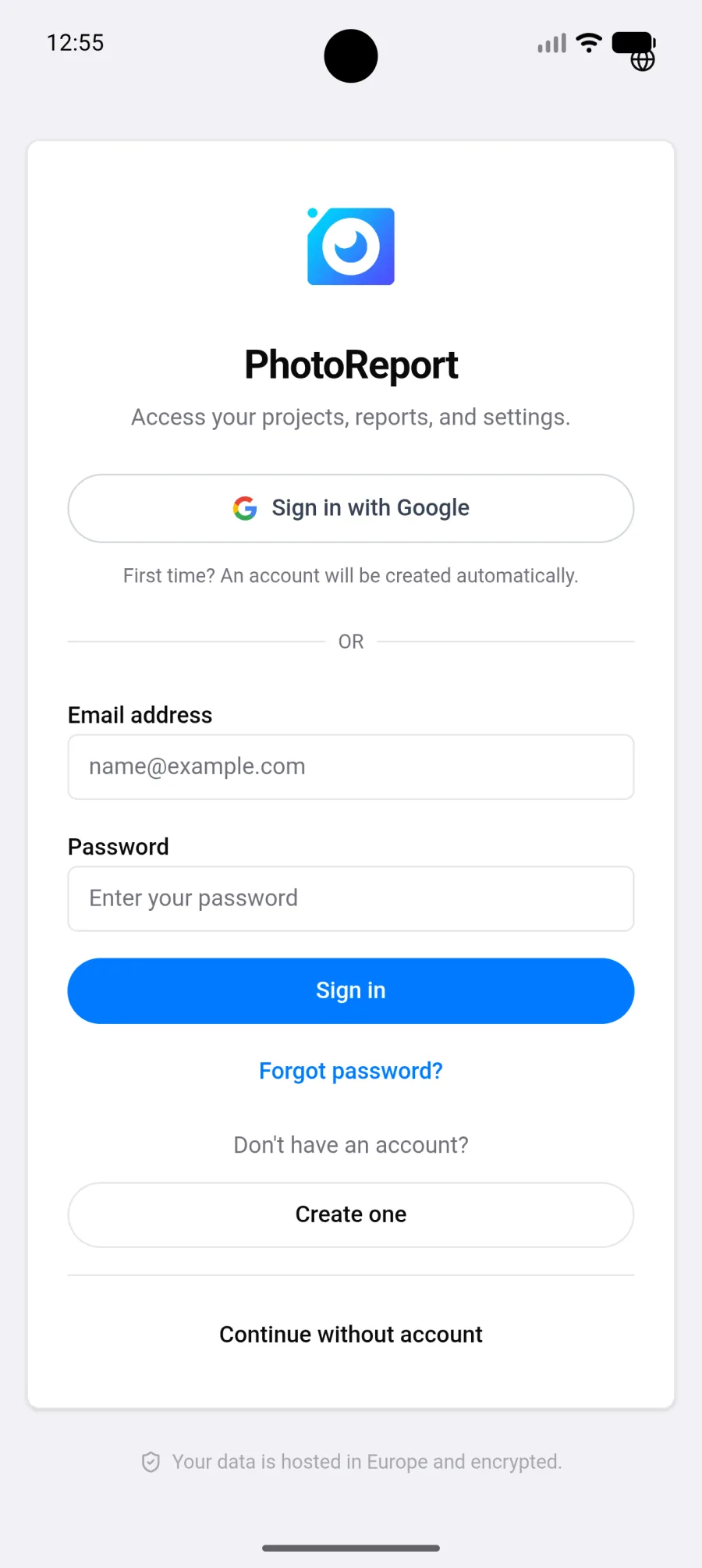
Signing in
Section titled “Signing in”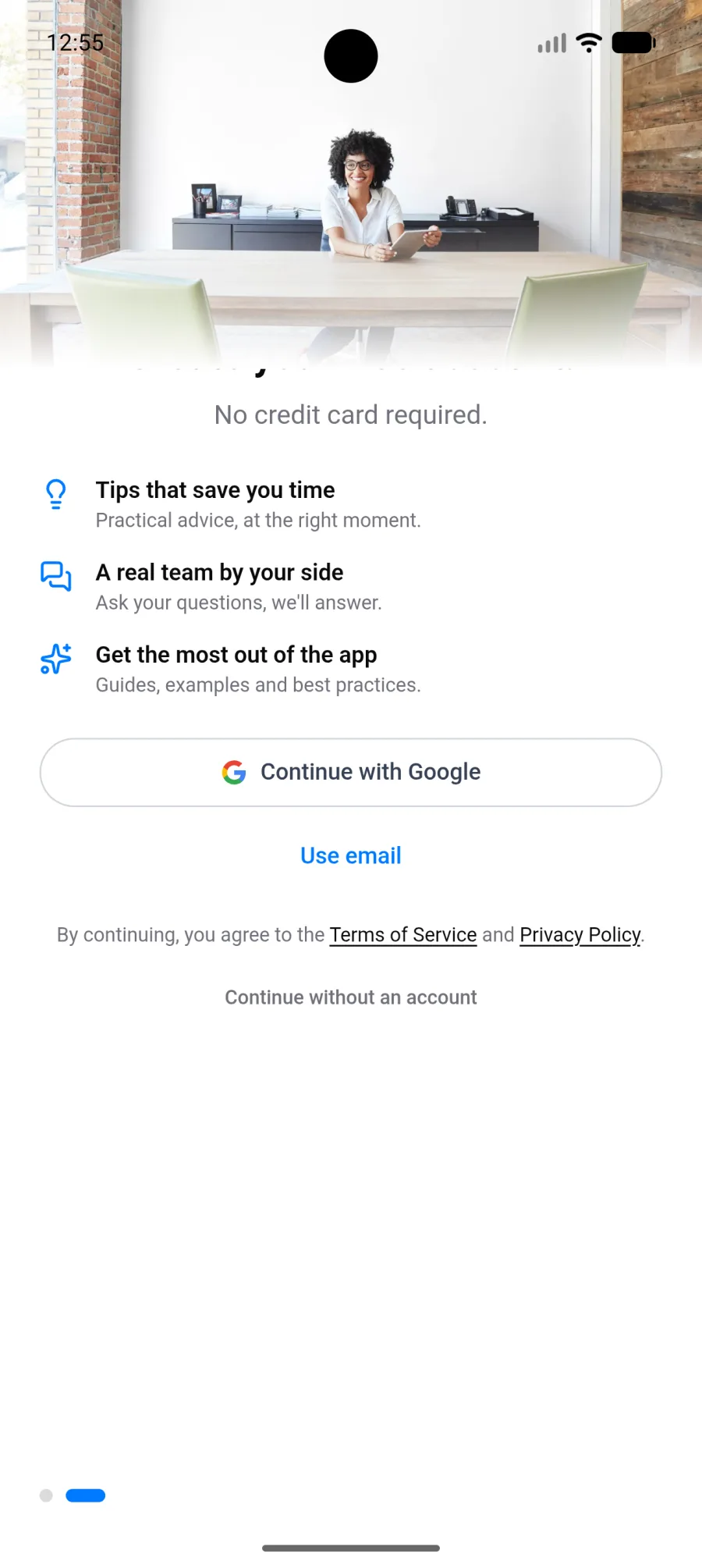
With Google
Section titled “With Google”Tap Continue with Google. The phone’s account picker opens and you choose the account you want. Nothing goes through the browser: you stay inside the app.
With an email address
Section titled “With an email address”Tap Use email, then enter your address and password. If you do not have an account yet, create one from the same screen.
Forgot your password: request a reset link from the sign-in screen.
Starting without an account
Section titled “Starting without an account”Android lets you use PhotoReport immediately, without signing up: choose Continue without an account.
You can create a project, import a plan, take photos and work normally. Two limits:
- Your data lives on this phone only. It is not backed up and does not appear in the browser.
- If you lose the phone or uninstall the app, the work is gone.
Creating an account later
Section titled “Creating an account later”When you sign up or sign in from a guest session, everything you have already created is carried into the new account. You lose nothing and you have nothing to copy over.
If the transfer fails, for instance because the connection dropped at the wrong moment, a Projects not transferred banner appears with a Retry button. Run it again once the network is back.
Signing out
Section titled “Signing out”Open Settings, under Account, then Sign out.
Cloud projects disappear from the device and come back when you sign in again. Files downloaded for offline use are cleared.
Switching accounts
Section titled “Switching accounts”Sign out, then sign in with the other account. Only one account is active at a time on a device.
Deleting your account
Section titled “Deleting your account”Deletion is done from Settings, under Danger Zone. It is permanent and applies across every platform. See Delete my account.